FiveM Server Status
FiveMShow a connected game server status on your PayBru community page.
Use this when your community revolves around a FiveM server and you want members to see where to join.
Use the FiveM integration when you want members to see your game server status from your PayBru community page.
Game server integration
FiveM

Before You Start
You need:
- A PayBru community.
- A FiveM server you control.
- The server's cfx.re/join code.
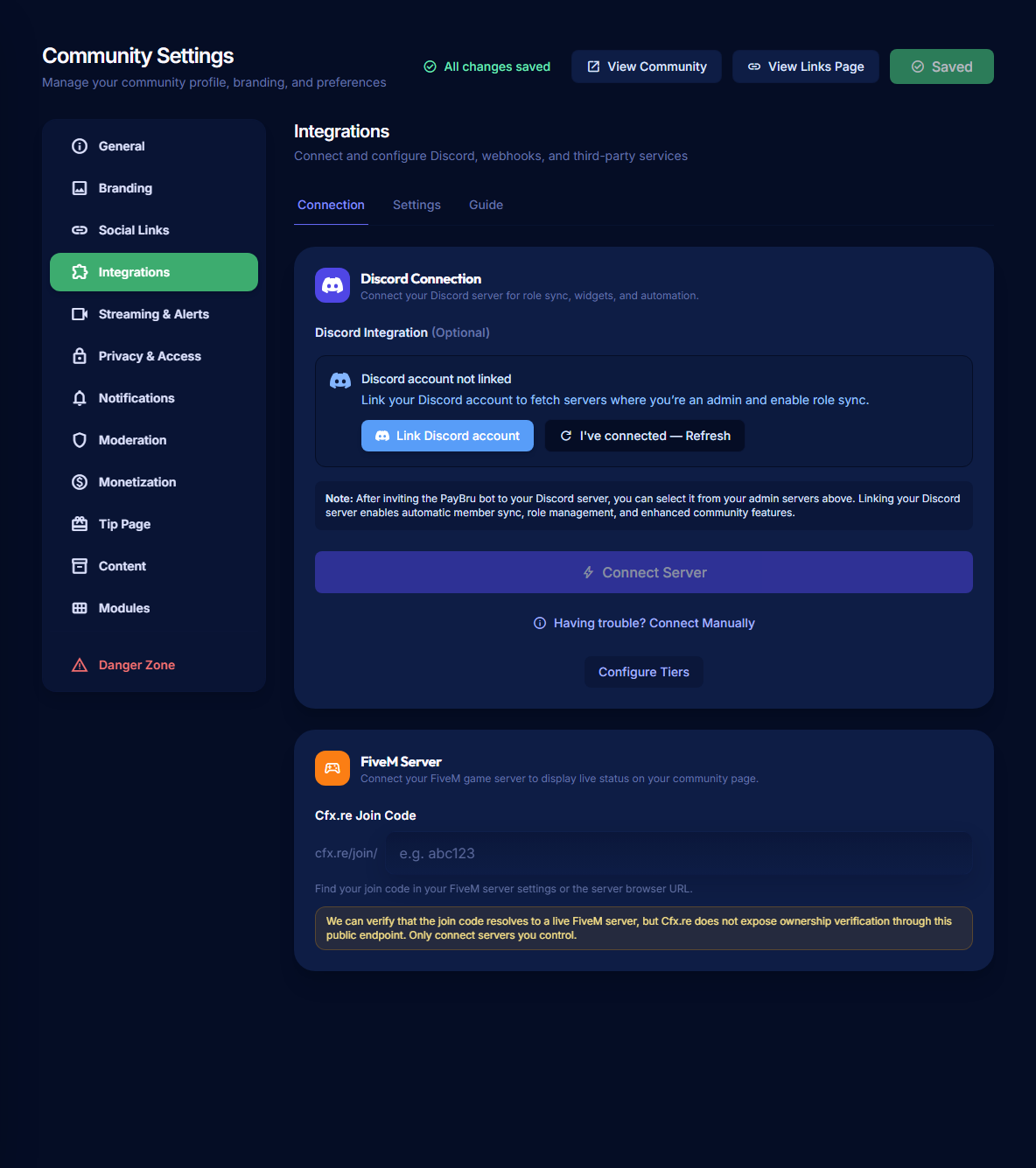
Add the Join Code
- Open the Manage Portal for the community.
- Go to Settings > Integrations.
- Find FiveM Server.
- Enter the join code after
cfx.re/join/. - Select Validate to confirm the server can be found.
- Save the community settings.
Show or Hide the Status Widget
- Stay in Settings > Integrations.
- Open the Settings tab.
- Turn Server status widget on or off.
- Open the public community page and check the sidebar.
If the Server Is Not Found
- Confirm the join code is copied exactly from
cfx.re/join/.... - Remove extra spaces before or after the code.
- Confirm the FiveM server is online.
- Check that the server browser URL still resolves.
- Only connect servers you own or manage.
PayBru can verify that the join code resolves to a live FiveM server, but the public cfx.re endpoint does not prove ownership. Use a server you control.