Attending Events
PayBru sends 24-hour and 1-hour reminders so events stay on your radar without flooding your inbox.
Use My Events to see every upcoming event from the communities you've joined, RSVP, and add them to your calendar.
Open My Events
- Open the Client Portal.
- Go to My Activity > My Events.
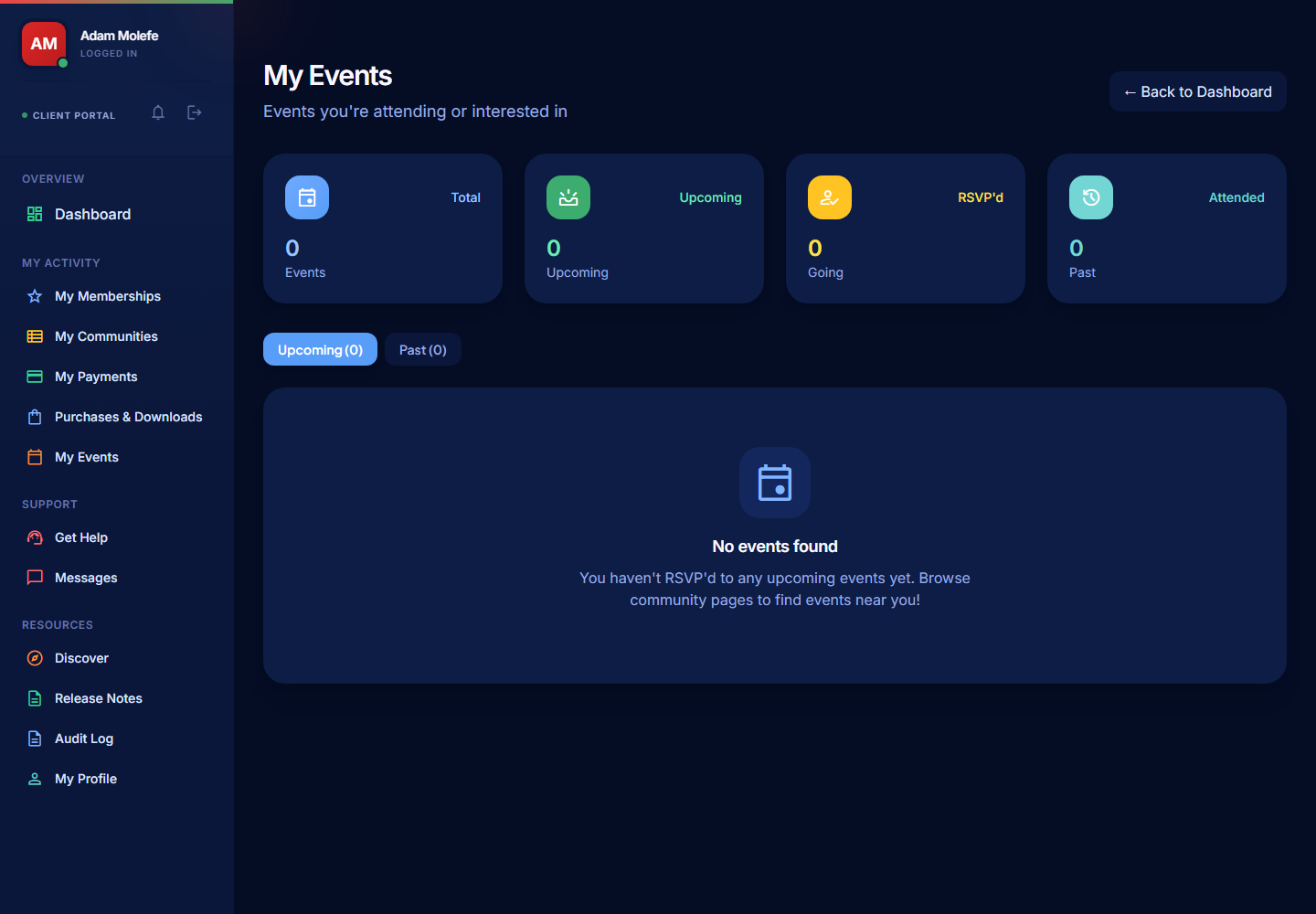
Read the Summary
The summary cards show:
- Upcoming events — events you can still RSVP to.
- Past events — your event history.
- RSVP'd — events you've committed to.
Event Types
Creators run three types of events:
| Type | What to expect |
|---|---|
| Virtual | An online session — Zoom, Google Meet, Microsoft Teams, or Discord voice/stage. The link is shared with confirmed attendees. |
| In-person | A physical meetup with a venue and address. |
| Hybrid | Both at once — physical attendees plus a live stream link. |
RSVP to an Event
- Open the event from My Events or from the creator's community page.
- Select RSVP (or Going / Interested).
- Confirm your attendance.
For paid events, you'll pay for your ticket at checkout in ZAR through Paystack. Free events just need an RSVP.
Add an Event to Your Calendar
- Open the event details.
- Select the Add to calendar action (or Download ICS).
- Open the downloaded file with Google Calendar, Outlook, Apple Calendar, or any other calendar app.
The calendar entry includes the event title, date, time, and the meeting link or venue address.
Reminders
PayBru sends automated reminders to RSVP'd members:
- 24 hours before the event.
- 1 hour before the event.
Reminders come through in-app notifications, email, and Discord (if connected). Check your notification preferences under Resources > My Profile > Notifications if you stop receiving them.
Joining a Virtual Event
When the event starts:
- Open the event detail page or your reminder notification.
- Click the meeting link to join.
- For Discord-hosted events, you'll be taken into the channel (you need to be in the creator's Discord server).
If You Can't See an Event
- Check that you're a member of the community hosting the event.
- Check that your membership is Active and on the tier required for the event (some events are tier-locked).
- If the event was cancelled, it disappears from the list — you'll have been notified separately.
Cancellations and Refunds
If the creator cancels an event:
- You're notified by your usual channels.
- Paid tickets are refunded through the standard refund flow.
If you need to cancel your own RSVP, open the event and remove your RSVP. For paid tickets, request a refund through Support > Get Help if the creator's policy allows it.