Purchases and Downloads
Digital downloads stay available whenever you sign in — keep your card details current so future purchases don't fail.
Use My Purchases to review every store order on your account, download digital products, and track physical merch.
Open Purchases and Downloads
- Open the Client Portal.
- Go to My Activity > My Purchases.
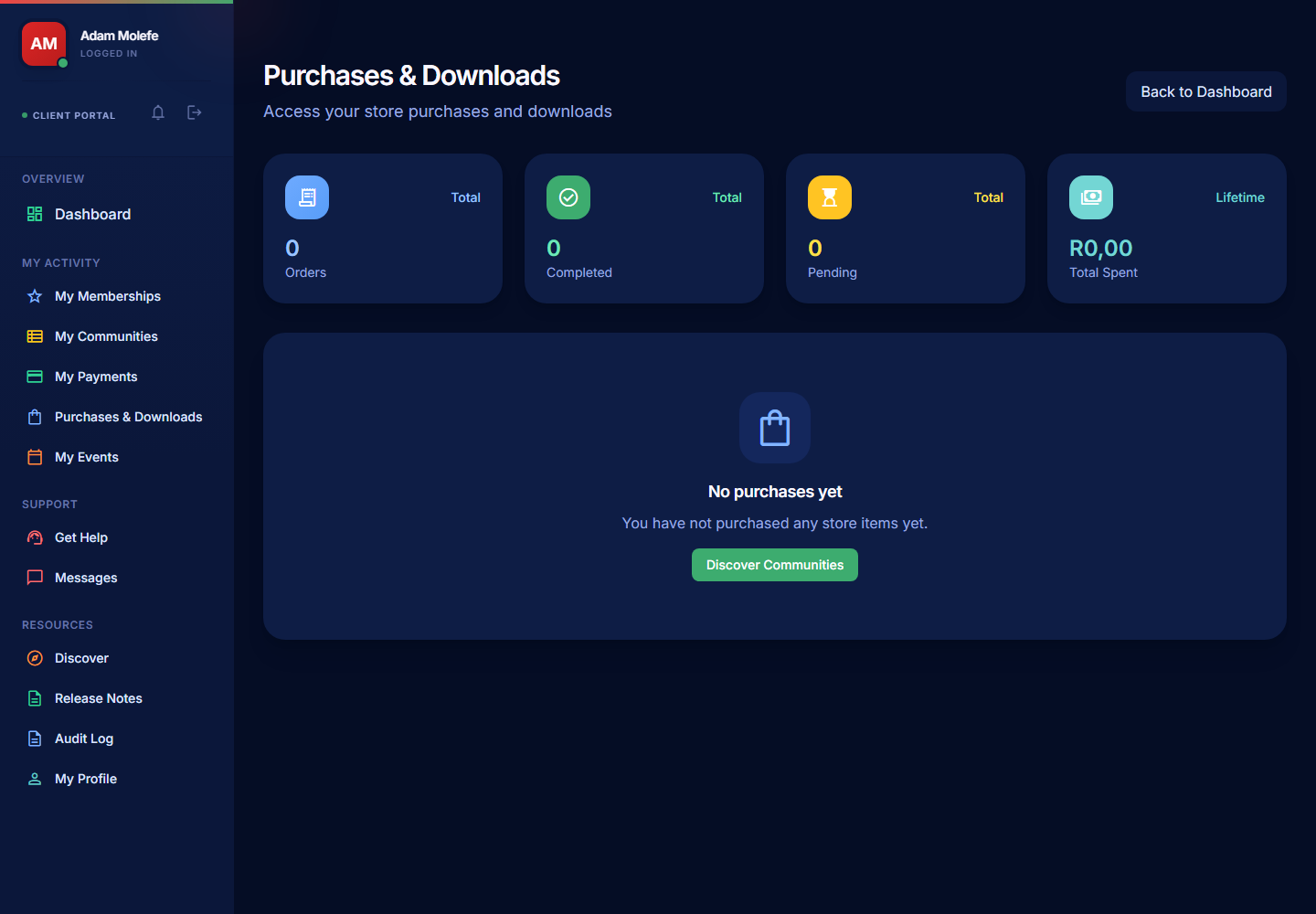
Read the Summary
The summary cards at the top show:
- Recent orders — quick glance at what's just come through.
- Active purchases — anything in-flight (pending payment, awaiting fulfilment, awaiting shipment).
- Total spend for the period.
Use the filters to narrow the list by status, date, or creator community.
Review Your Orders
Open an order to see:
- The product or product set you bought.
- The amount in ZAR.
- The payment status.
- For physical orders, the shipping address you entered at checkout.
- For digital orders, the downloadable files.
Download Digital Products
- Open the order or the product entry under My Purchases.
- Select the Download action.
- Save the file(s) to your device.
Digital products typically include PDFs, ebooks, courses, audio, or other downloadable files. Some creators put a download cap on a product (e.g. 5 downloads) so save your copy somewhere safe the first time.
If a download link doesn't work, refresh the page first. If it still fails, contact the creator through Messages or open Support > Get Help with the order reference.
View Physical Product Details
For physical orders:
- Open the order to see fulfilment progress.
- Use the shipping address field to confirm you entered it correctly.
- Use the order information if you need to contact the creator about shipping, sizing, or a delayed delivery.
Creators fulfil physical orders themselves — PayBru tracks the order but doesn't handle the post. Contact the creator first for shipping questions.
Order Statuses
| Status | What it means |
|---|---|
| Pending | Payment is still confirming. |
| Processing | Payment confirmed; the creator is preparing the order. |
| Completed | Digital files are ready to download, or the physical order has been marked shipped/delivered. |
| Refunded | The order was reversed and the funds returned. |
| Failed | The payment didn't go through — try again or use a different method. |
Refunds on Store Orders
Refunds for store orders follow the standard refund flow — request one through Support > Get Help with the order reference. Digital products may have stricter refund policies (since the file has typically already been downloaded). See Getting Support and Refunds.