Managing Moderators
Use moderators to help review members, reply to support tickets, moderate posts, or run the counter at events.
Use moderators to delegate community work without handing over owner-level control. A moderator can help review members, reply to support tickets, or moderate posts, depending on the permissions you grant.
Open Moderators
- Open the Manage Portal.
- Select Moderators.
Read the Summary
The summary cards show:
- Active moderators currently helping.
- Pending invites that have been sent but not accepted.
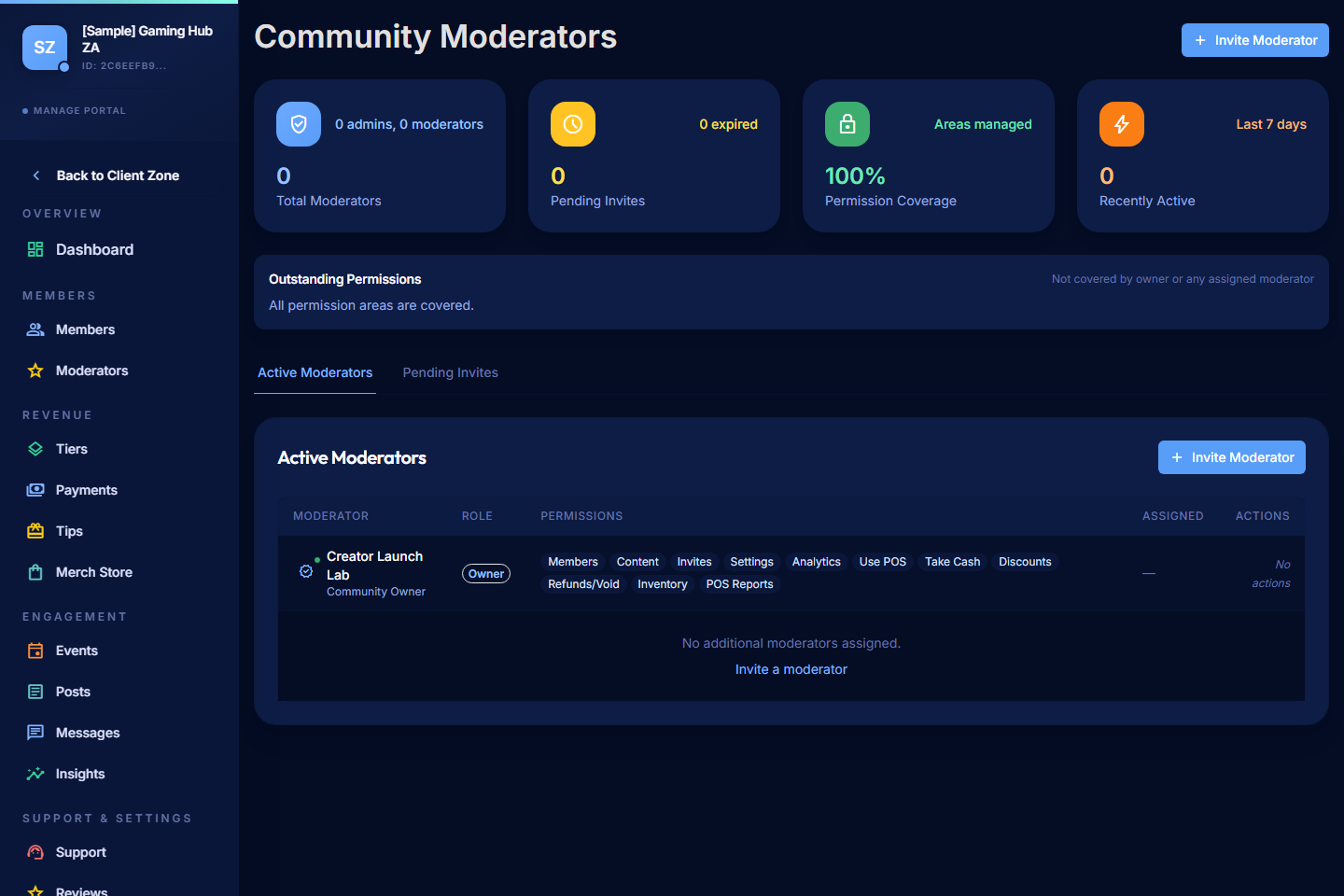
Invite a Moderator
- Select Invite Moderator.
- Enter the email address of the person you want to invite. They'll need a PayBru account at that email to accept.
- Choose the permissions to grant.
- Send the invite.
The invitee gets a notification and a link to accept. Once they accept, they appear under Active moderators.
Choose Permissions Carefully
Grant the minimum permissions each moderator needs to do their work. As a rule of thumb:
- Member-support moderators need to view members and respond to support tickets — not change settings or tiers.
- Content moderators need access to posts and reviews — not payments or payouts.
- General right-hand person may need broader access, but never give out owner-level control unless you fully trust them and they understand the responsibility.
You can always start narrower and expand later if the moderator needs more.
Manage Pending Invites
- Pending invites stay visible on the Moderators page until they're accepted or removed.
- If a moderator doesn't accept an invite, you can delete it and re-send a fresh one.
Edit or Remove a Moderator
- Edit permissions — open the moderator entry and adjust the permission set. Changes take effect immediately on their next portal action.
- Remove access — when someone steps away from the community, remove their moderator access promptly. Don't leave dormant moderators in place.
- Review periodically — check your moderator list every few months and confirm the permissions still match what each person actually does.
What Moderators See
Moderators only see the parts of the Manage Portal their permissions allow. If you've given them member-support access but not settings access, the Settings tab is hidden for them.
Moderators don't have access to your payouts, KYC, or bank details under any moderator permission — that stays with the community owner.
Good Moderator Habits
- Document the moderator role in your community — what they do, what they don't, who to ping for what.
- Keep a moderator channel in Discord (or wherever your team chats) for behind-the-scenes coordination.
- Thank your moderators publicly when they go above and beyond — community work is often invisible.