Publishing Posts
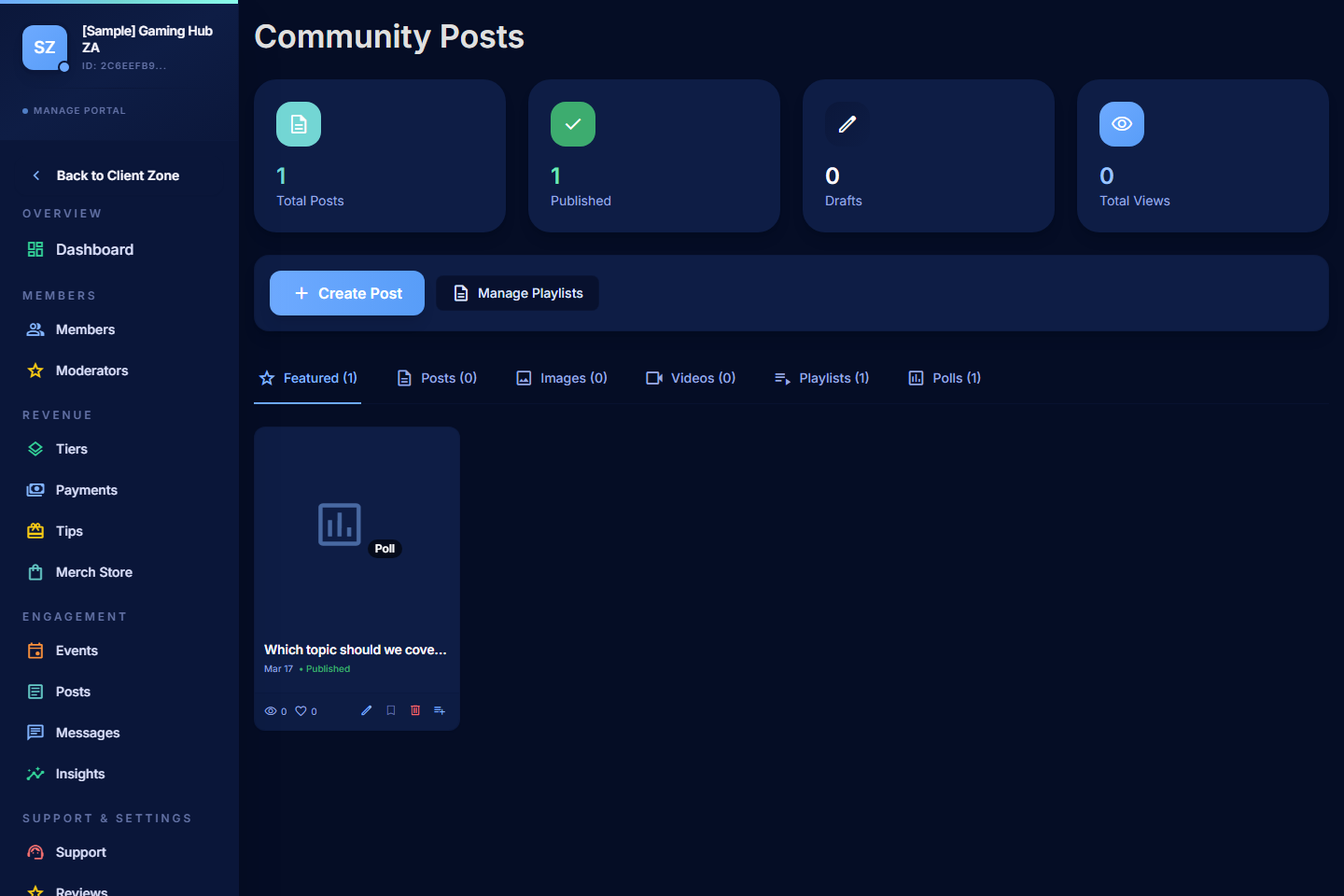
Posts modulePublish text, image, video, audio, or poll posts — public, members-only, or locked to a specific tier.
A predictable cadence beats sporadic bursts. Keep some posts public so visitors get a taste before they commit.
Use Posts in the Manage Portal to publish content for your community. Posts can be public, members-only, or locked to a specific tier.
Before You Start
Posts must be enabled for your community.
- Open Settings > Modules.
- Turn on Posts.
- Save.
Create a Post
- Open Posts.
- Select Create Post.
- Choose the post type — text, image, video, audio, or poll.
- Complete the wizard.
- Save as a draft or publish immediately.
Post Types
| Type | Use it for |
|---|---|
| Text | Long-form updates, announcements, deep-dives. Markdown supported. |
| Image | Single-image or multi-image posts (uploaded images are auto-optimised to WebP). |
| Video | Native-hosted video using PayBru's content library. |
| Audio | Podcast episodes, voice notes, or audio drops. |
| Poll | Multiple-choice questions for members. |
You can also feature posts on the Home tab and add them to Playlists for grouping.
Set the Title and Preview
- Title — clear, concrete, and specific to what's inside.
- Preview text — a short hook that shows on the home tab and on the post card.
Add the Content
- The rich text editor includes a Markdown toolbar for headings, lists, links, and inline formatting.
- Drop in images, videos, or audio inline.
- For a tier-locked post, members on lower tiers see a teaser with a lock icon prompting them to upgrade.
Set Access
Choose who can see the post:
| Access | Who sees it |
|---|---|
| Public | Anyone, even people who aren't logged in. Good for announcements, previews, and SEO. |
| Members-only | Any member of your community, free or paid. |
| Tier-specific | Only members on the tier you choose (or higher tiers, if your wizard supports it). |
Publish or Save
- Save as draft if you want to come back to it.
- Publish now to push it live.
- Schedule for later if your wizard supports it.
Keep the Feed Organised
- Filter the post list by format or publishing state to find drafts vs published.
- Use playlists to group related posts (a video series, a course, a topic).
- Mark a post as Featured to pin it on the home tab — but use this sparingly so it stays noticed.
Tips
- Lead with the most valuable thing — the first 1-2 sentences decide whether members keep reading.
- Cadence beats perfection — a steady weekly post is worth more than three perfect posts a year.
- Use polls to learn what members actually want.
- Re-share to socials — public posts can pull new sign-ups.