Support and Refunds
SupportHandle member tickets and refund requests from one place — and keep tight notes for repeat issues.
Approved refunds reduce your creator balance. If the funds were already paid out, the next payout makes up the difference.
Use Support in the Manage Portal to handle ticketed issues from your members and to review refund requests against transactions in your community.
Open Support
- Open the Manage Portal.
- Select Support.
Review Support Tickets
The ticket list shows the subject, category, status, and created date.
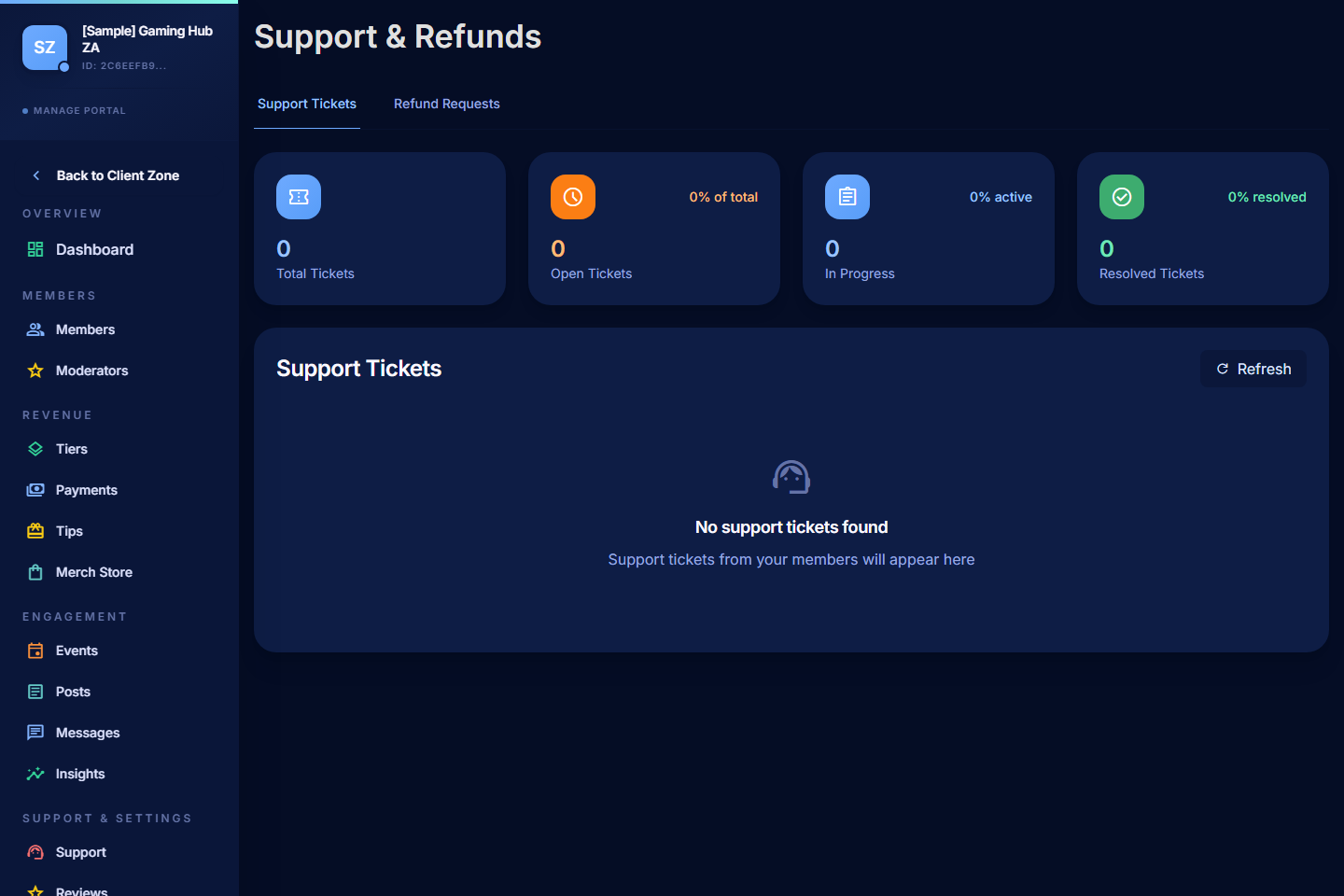
Filter by status when you only want open tickets, or by category to spot themes (billing vs access vs content).
Reply to a Ticket
- Open the ticket.
- Read the member's message and any context they attached.
- Reply with a clear next step.
- Close the ticket when the issue is fully resolved.
Tips:
- Acknowledge fast, even if you can't solve it immediately. "Got this, I'll check by tomorrow" buys you time without leaving the member in the dark.
- Ask for what you need — order ID, payment reference, screenshot, what they've already tried.
- Close tickets when they're done — open tickets pile up and lose meaning.
Review Refund Requests
When a member opens a refund request through their Support > Get Help, it appears here for your decision.
- Open the refund request.
- Check the transaction details, amount, and reason.
- Review the member's history if you need context.
- Choose:
- Approve — the refund processes through Paystack to the original payment method. Linked access (membership, event, store order) is reversed.
- Reject — provide a reason; the member is notified.
- Ask for more information — for cases that need clarification before you decide.
Refunds reduce your creator balance by the refunded amount. If the funds were already paid out, the next payout makes up the difference. See Creator Earnings Visibility.
Refund Decision Guidance
- Honour reasonable requests — refunds within the first day or two of a charge are usually goodwill territory.
- Be careful with digital products — once the file has been downloaded, you may want a stricter policy. Set member expectations on the product description.
- Document patterns — if you're getting many refund requests for the same reason, the root cause is upstream (a missing benefit, a confusing tier, a broken Discord role). Fix that.
What Sits in Support vs Messages
| Use | Tool |
|---|---|
| Member can't access content / Discord role / event they paid for | Support ticket |
| Member wants a refund or a charge investigation | Support refund request |
| Member asks "when is your next stream?" or general community question | Messages |
| You want to broadcast an update to a whole tier | Messages > Tier broadcast |
Good Support Habits
- Reply on a schedule rather than scattered through the day — batch tickets for an hour twice a week.
- Use canned starting points for common issues but always personalise the reply.
- Escalate to PayBru if a ticket needs PayBru-level investigation (payment that didn't post, account-level access issue) — the member can also open a ticket from their side that reaches PayBru directly.