Messaging Members
MessagesReach members one-on-one or broadcast updates to a whole tier from one inbox.
Use direct messages for personal support and tier broadcasts for announcements, member-only news, and renewal nudges.
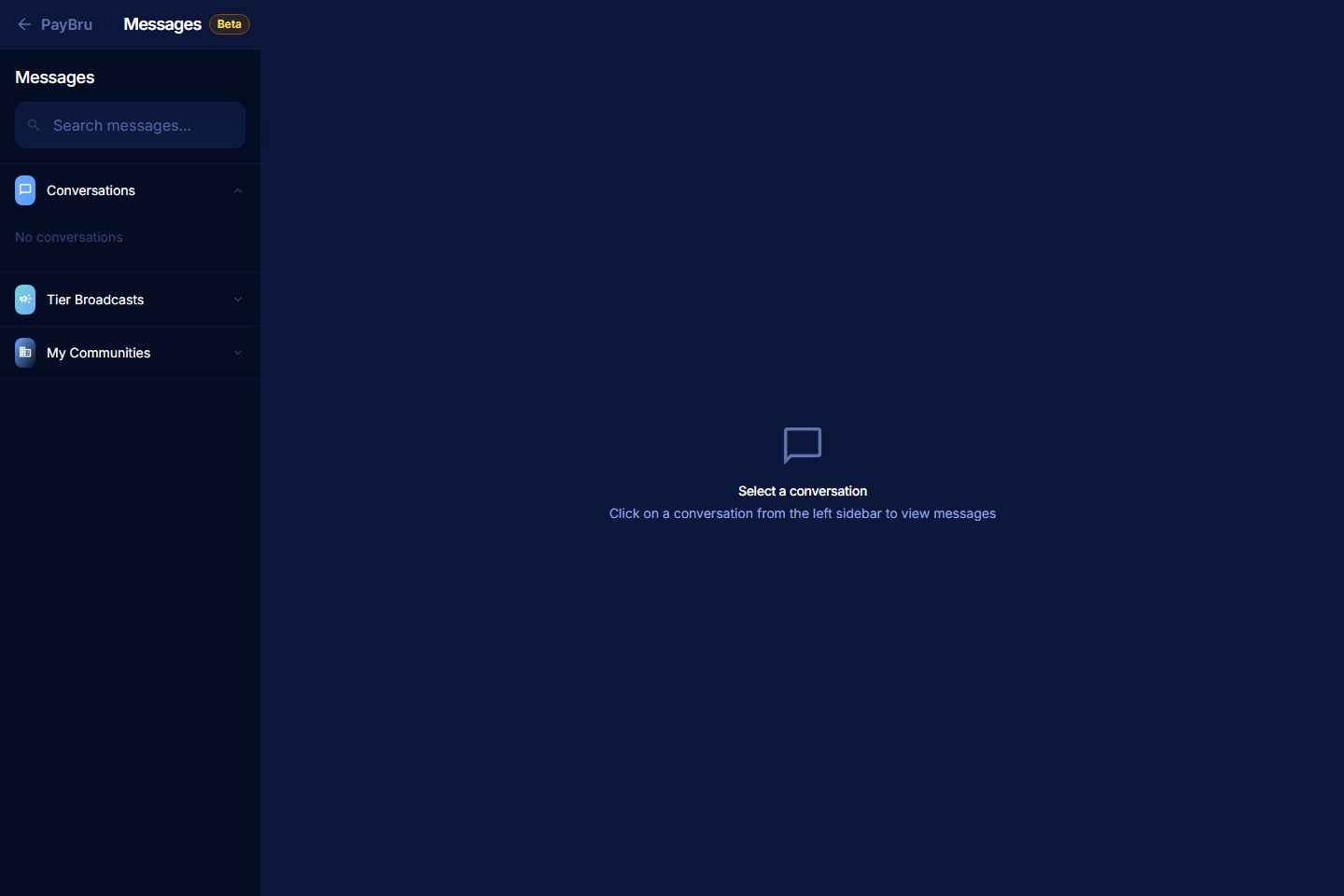
Use Messages in the Manage Portal to reach members — either one-on-one or as a tier-wide broadcast.
Open Messages
- Open the Manage Portal.
- Select Messages.
Start a Direct Conversation
- Select a member from the list, or search by name.
- Write your message in the composer.
- Send it.
Direct messages are private — only you and the member see them.
Reply to Existing Conversations
- Open the thread.
- Reply with the info the member needs.
- Keep the tone clear and friendly. Most member messages need a quick, specific answer.
Send a Tier Broadcast
Tier broadcasts let you reach every member on a specific tier (or a whole community) at once.
- Open Messages.
- Select New broadcast (or the tier/audience selector).
- Choose the audience — a specific tier, all paying members, or all members.
- Write your message.
- Send.
Each member sees the broadcast as a normal message in their inbox. Replies come back to you privately — they don't become a group thread.
When to Use Messages vs Posts vs Email Updates
| Use | Best for |
|---|---|
| Direct message | Member-specific questions, refunds, one-off thanks. |
| Tier broadcast | "Today's stream is delayed by an hour" type announcements. |
| Post | Long-form updates that should live on the community page. |
| Event | RSVP-able activities with date and time. |
Good Messaging Habits
- Keep messages short. Members read on mobile.
- Reply on time. A quick "got it, will look into it" is better than silence.
- Use direct messages for support that doesn't need a full ticket. Anything that needs PayBru's help still belongs in Support > Get Help on the member's side.
- Don't spam broadcasts. One a week from a typical creator is plenty; more than that and unsubscribes climb.