Joining a Community
If the creator uses Discord, link your Discord account from Connected Accounts and make sure you are also in the creator's Discord server.
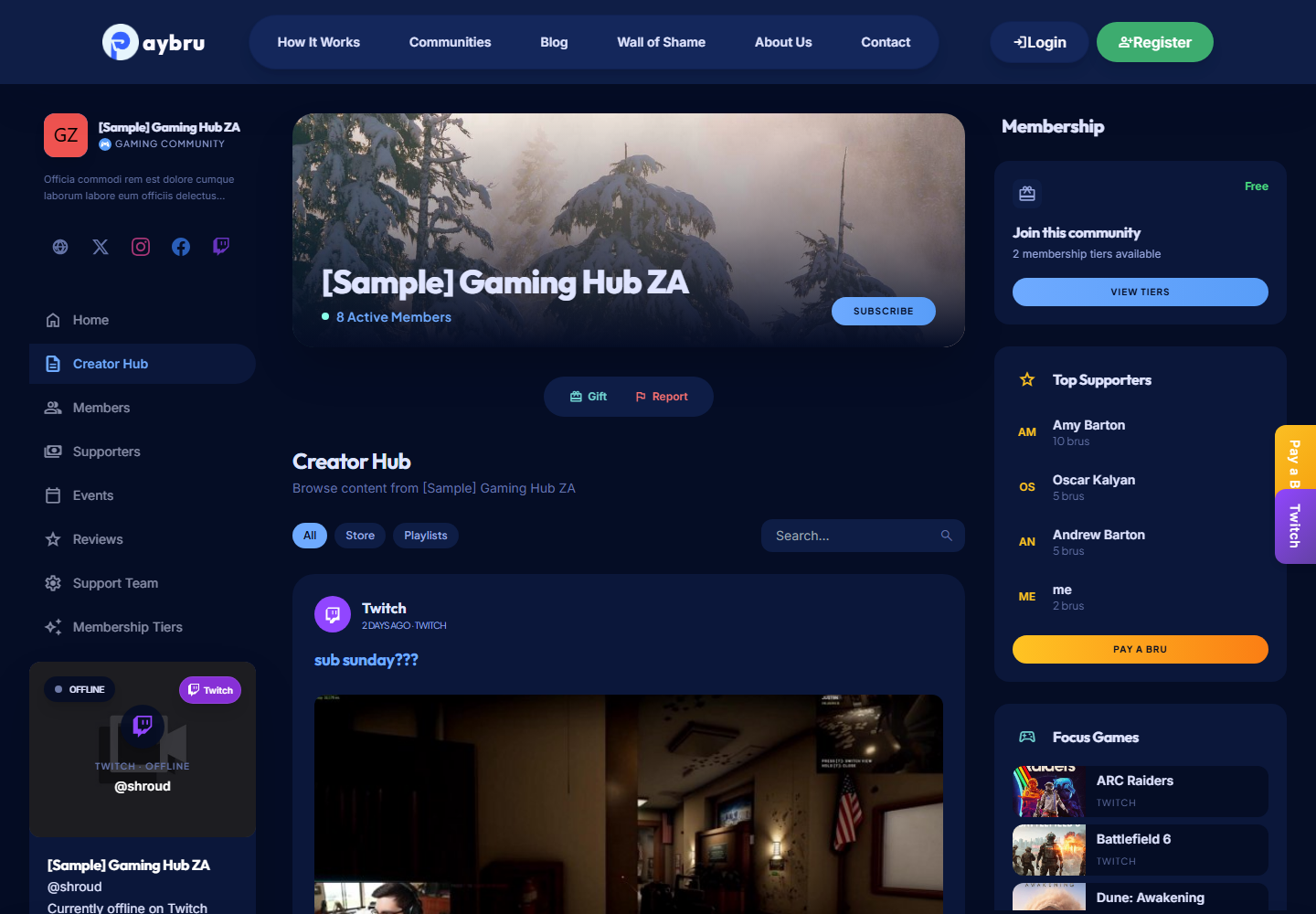
You can join a creator community from their public PayBru page or from a shared invite link.
Find a Community
- Open the creator's PayBru page directly.
- Use a direct invite link if someone shared one with you.
- Browse Resources > Discover in the Client Portal to find communities that interest you.
- Look for live cards on the home page — communities currently streaming are highlighted.
Read the page first to see what's included at each tier so you can pick the right one.
Choose a Tier
- Pick the tier that fits you — free tiers, monthly paid tiers, and any longer prepaid options are all shown here.
- Check the listed benefits, perks, and any Discord roles included.
- Confirm the price and billing details.
- If the creator offers duration choices, pick 1, 3, 6, or 12 months (or any custom duration on the tier).
- Continue to checkout.
Complete Payment
PayBru uses Paystack to process payments in ZAR. At checkout you'll typically see:
- Card — Visa or Mastercard, debit or credit. Cards are the only method that can be saved for automatic renewals.
- Pay-by-Bank (where supported, for example Ozow Instant EFT) — once-off only.
- Capitec Pay (where supported) — once-off only.
If you start a subscription with a once-off method (EFT, Ozow, Capitec Pay), you'll need to save a card before your next renewal date so the auto-charge can run — otherwise your membership will go past due.
Finish the payment step before leaving the page. A pending checkout you walk away from expires after about 30 minutes.
Gift Memberships
You can also become a member by accepting a gift membership sent to you by another member.
- Open the gift link in your email, or find it under My Activity > My Memberships.
- Accept it within 30 days — after that it expires and is refunded to the giver.
See Gifting Memberships.
After You Join
- Open My Activity > My Memberships to confirm access.
- Browse the creator's new posts, events, and benefits.
- If the community uses Discord, link your Discord account under Resources > My Profile > Security > Connected Accounts so PayBru can grant your role automatically.
- Review your renewal dates and receipts under My Activity > My Payments any time.